

Exam results
Exam results
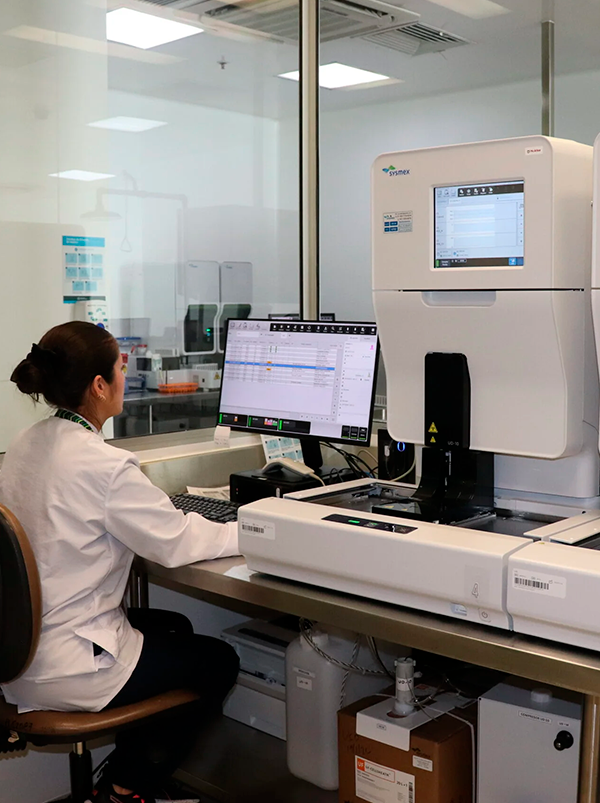
Did you know that at Metrosalud there are several ways to obtain your laboratory test results ?
Delivery of results in person.
Visit any of the Metrosalud service points ; remember that we are a large network and you can receive your results in person at any of our locations.
Results via email
When having your lab samples taken , ask the healthcare staff to send the results to your email address. Remember to keep your contact information up to date , including your email address, phone number, and home address .
Download results via the Internet
Now you can easily and quickly check your lab test results from any internet-connected mobile device. With just your ID number and password, you can download your results from our web application .
Keep the following in mind:
- The online results query can be made once the results of the tests performed on a patient have been obtained.
-
Upon logging into the application, you will be shown three fields to validate your identity: Identification Type, Identification Number, and Password.
Identification Type: This is a drop-down list. Clicking on it will display a list of permitted identification types. Select the patient's identification type you wish to use to access the system.
Identification Number: This is a text field where you enter the patient's identification number.
Password: This is a password field where you enter the password generated by the system when printing labels.
- Once the information is entered, click the Login button or press the Enter key. If you make three incorrect login attempts, your account will be locked for ten minutes before you can log in again.
- Remember:Keep your contact information up to date to receive your results in a timely manner